
Wall Art Needs Precise Context.
Stop losing sales to mockups that look like clip art.
Your art deserves more than a white box on a white wall.
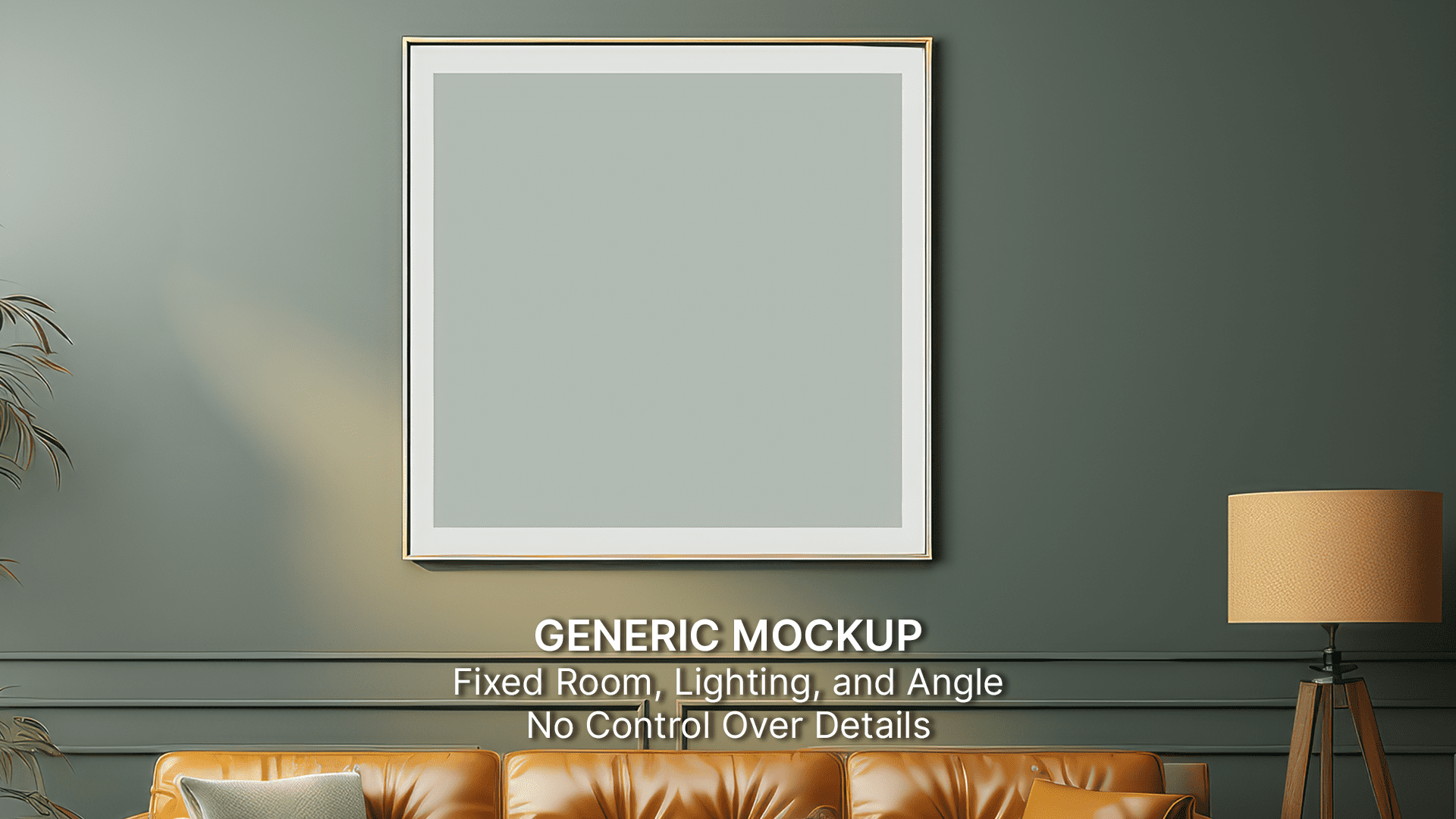
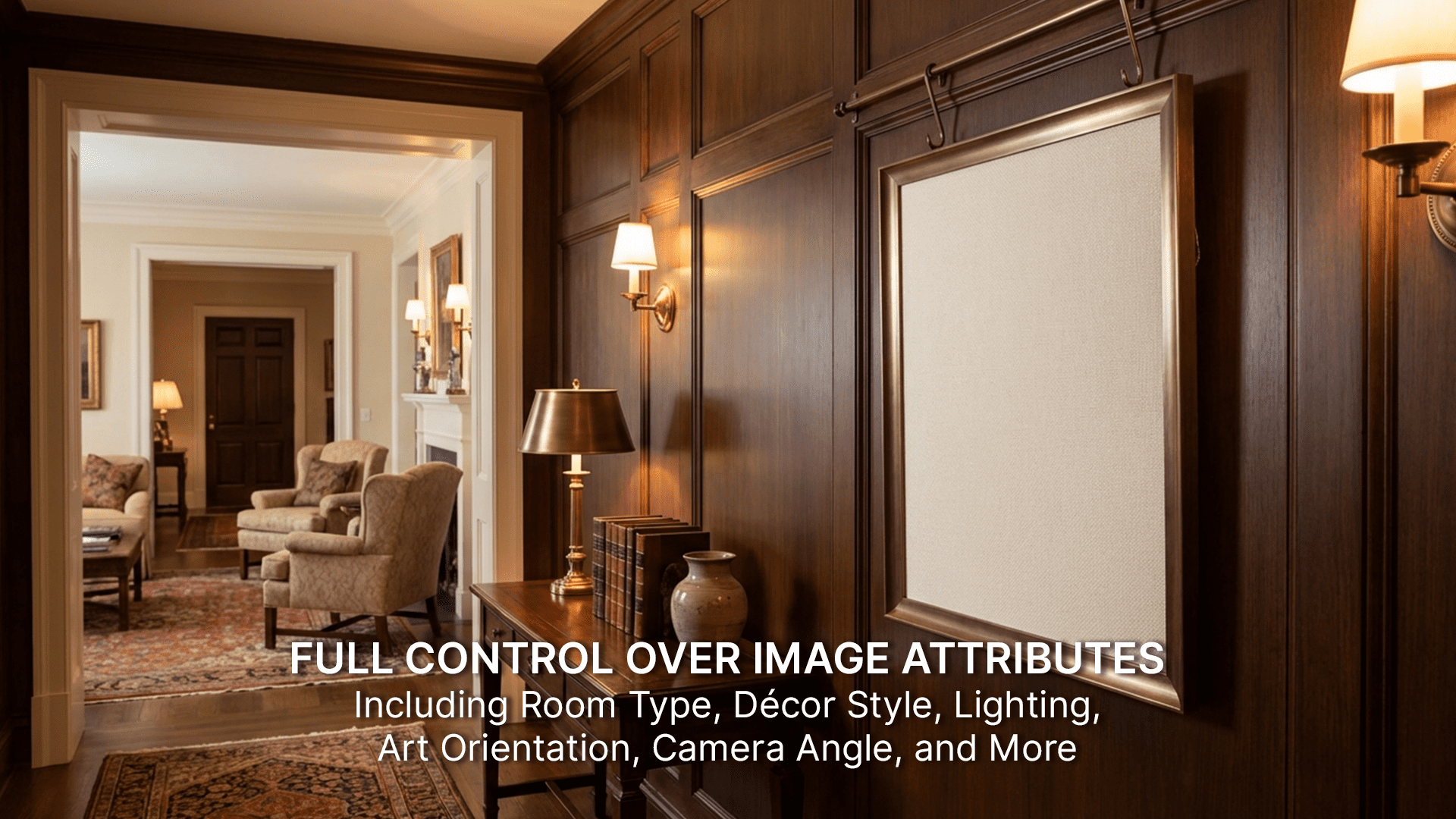
Create mockups that reflect your art’s theme and target audience interest.
With MetaMock, you control how your wall art appears using 9 attributes and over 50 options including room type, decor style, lighting, art orientation, camera angle and so much more.
Room Type
Select the environment to place the artwork realistically.
Amount Of Furniture
Adjust scene detail to balance focus and context.
Frame Type
Choose a frame style that complements the artwork.
Decor Style
Apply a design style that matches your brand or mood.
Art Orientation
Set the correct layout for the artwork format.
Background Wall Type
Define wall texture to enhance realism.
Camera Angles
Choose how the mockup is captured for presentation.
Art Position
Control where the artwork appears within the scene.
Art Perspective
Set depth and viewing angle for natural visuals.
Lighting Effects
Control light mood, direction, and intensity
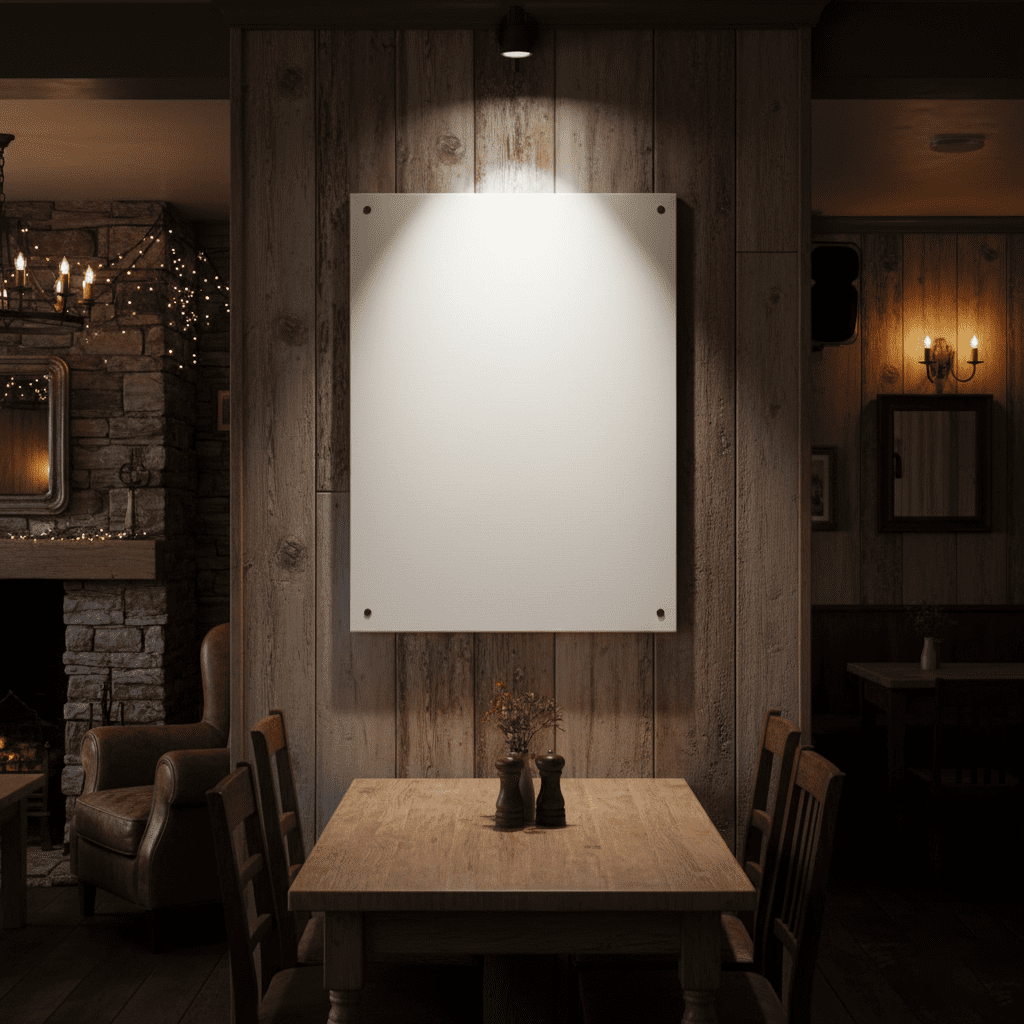
Why mockups matter when it comes to selling wall art.
Clear Brand & Theme Alignment
Control the room, mood, and styling so your mockups reinforce
the exact theme and intention behind your artwork not a generic setting.
Reduced
Buyer Doubt
Showing accurate scale, placement, and context helps buyers visualize
the art in their own space, reducing hesitation and increasing confidence.
Higher
Conversion Rates
When your wall art is shown in the right environment for its audience,
buyers instantly connect leading to more clicks and more purchases.
Get started with creating stunning mockups.
Metamock
Design highly personalized base images for mockups. Use tools like Photoshop/Canva to create your own mockups and mockup templates.
Metamock Pro
Build full mockups, and reusable mockup templates from sunning base images. No Photoshop/Design skills needed. Bulk generation at scale.
Base images and mockups that adapt to your vision.
Design the room, define the style, shape the light,
and choose the perfect angle.